
A good office coffee machine should be one of those things that just works. You press a button, coffee comes out, everyone's happy. But when maintenance slips, things go sideways fast - bitter-tasting coffee, milk that smells off, error messages on the screen, or the dreaded "out of order" sign that sends everyone to the cafe.
The good news is that keeping your machine running well doesn't take much effort. Most of it comes down to a few simple habits and knowing what to watch for.
Why Maintenance Matters
Every cup of coffee leaves behind residue - oils from the beans, milk buildup, and mineral deposits from the water. If this isn't cleaned regularly, it affects the taste of your coffee, clogs the internal system, and can eventually cause breakdowns that take the machine out of action.
For offices in New Zealand where the water is relatively hard in some regions, limescale buildup is a real issue. It restricts water flow, reduces brewing temperature, and shortens the lifespan of internal components. A water filter helps, but it doesn't eliminate the need for regular descaling.
The bottom line: a few minutes of daily care prevents hours of downtime and expensive repairs.
Daily Tasks (5 Minutes)
These are the basics that someone in the office should do at the end of each day:
Empty the drip tray and grounds container. Used coffee grounds go stale quickly and can develop mould if left sitting. Rinse both under warm water and put them back.
Run the automatic cleaning cycle. Most bean-to-cup machines have a one-touch cleaning programme that flushes hot water through the system and often uses a cleaning tablet. It takes 10-15 minutes and clears out coffee oils before they go rancid. Get in the habit of running it at the end of the day.
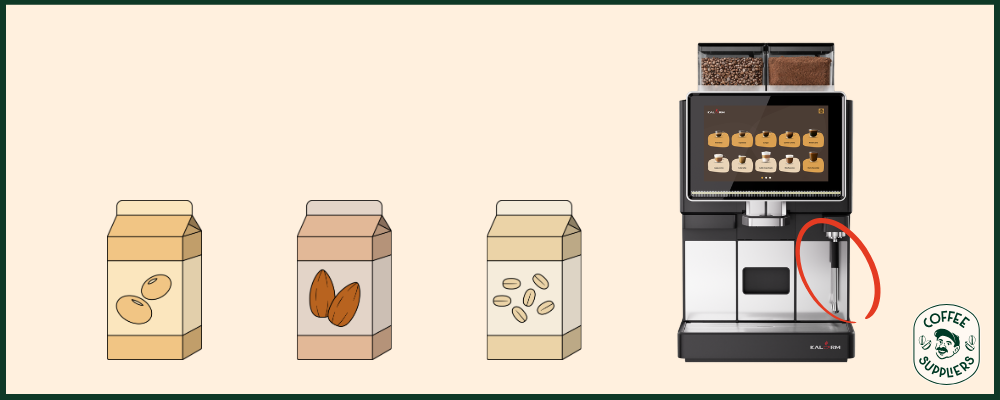
Clean the milk system. This is the most important one, especially for fresh milk machines. Milk residue left overnight is a breeding ground for bacteria. If your machine has an automatic milk cleaning programme, run it daily. If it doesn't, remove and rinse all milk components by hand.
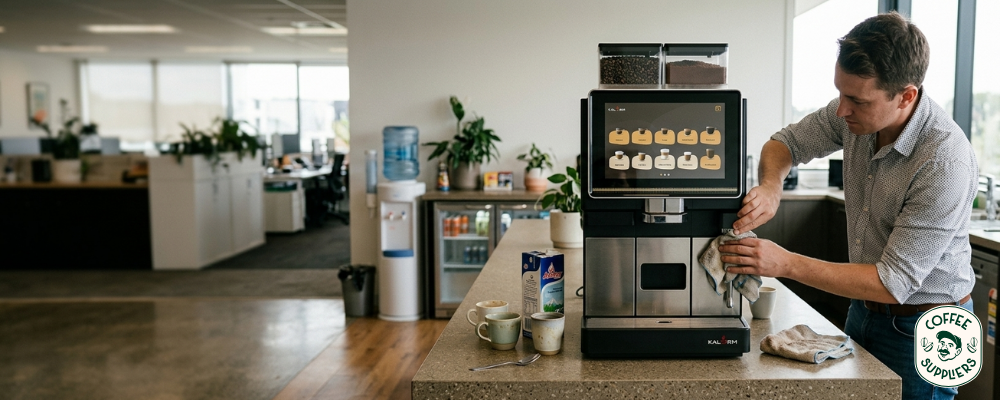
Wipe down the exterior. Coffee splashes, drips, and fingerprints. A quick wipe keeps things hygienic and looking professional - especially if clients visit your office.
Weekly Tasks (15 Minutes)
Clean the brew unit. If your machine has a removable brew group (most automatic machines do), take it out once a week and rinse it under warm water. Let it dry completely before putting it back. This removes built-up coffee oils that affect taste.
Clean the bean hopper. Wipe it out with a dry cloth to remove oily residue from the beans. Old oil goes rancid and makes fresh beans taste stale.
Check the water filter. Most machines will alert you when the filter needs replacing, but it's worth keeping an eye on it. A clogged filter reduces water flow and affects coffee quality. Filters typically need replacing every 12 months - your supplier should handle this as part of regular servicing.
Monthly and Quarterly Tasks
Descale the machine. Depending on your water hardness and usage, descaling should be done every 1-3 months. Limescale builds up inside the boiler and water lines, reducing efficiency and eventually causing blockages. Your machine will usually flash a warning when it's due.
Professional servicing. Even with good daily care, machines benefit from a professional service at least once a year. A technician can check internal components, replace seals and gaskets, calibrate the grinder, and catch issues before they become problems.
Fresh Milk vs Powdered - Different Cleaning Needs
It's worth noting that fresh milk and powdered milk machines have different maintenance demands. Fresh milk machines (like our Kalerm O-Series and Y-Series) need daily milk line cleaning to keep things hygienic. Powdered milk machines (like the Bianchi Gaia Style or Necta Krea Prime) are lower maintenance since there's no fresh milk to manage - but they still need regular cleaning of the powder canisters and dispensing system.
If cleaning commitment is a concern for your team, this is worth factoring into your machine choice.
What Happens When You Don't Maintain
We see it regularly - offices that skip maintenance for a few weeks and then call us because the coffee tastes wrong or the machine has stopped working. The most common issues are bitter or stale-tasting coffee from oil buildup, blocked milk lines causing error messages, limescale reducing water temperature (so coffee comes out lukewarm), and grinder jams from old bean residue.
Most of these are completely preventable with basic daily care. And if you're with a supplier that includes servicing in your rental or free on loan arrangement, the bigger maintenance jobs are covered - you just need to handle the daily basics.
Keep It Simple
Coffee machine maintenance sounds like a chore, but it's really just 5 minutes at the end of each day and a slightly deeper clean once a week. Build it into someone's routine and your machine will keep delivering great coffee for years.
All of our machines come with free training on cleaning and maintenance when we install them. And if something does go wrong, our on-demand technical support is a phone call away.
Get in touch to talk about servicing and support for your office machine.